Google AI Mode Adds Wallet, Drive and Gemini: How Personal Intelligence Works
Google is rolling out Wallet access for AI Mode's Personal Intelligence, with Drive and Gemini to follow, letting Search read spending, documents and chats.
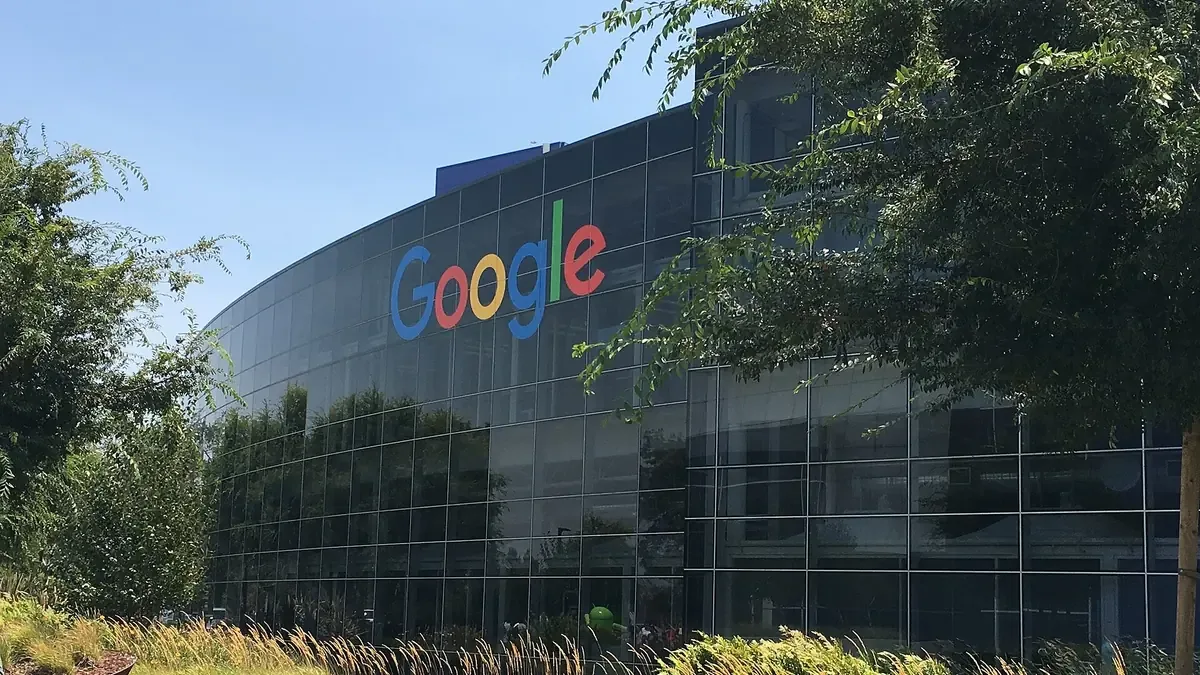
Image: Wikimedia Commons / Asoundd
MOUNTAIN VIEW, California — Google said on Monday, November 23, 2026, that Search users can now connect Google Wallet to Personal Intelligence in AI Mode, letting the search assistant read spending records to give more tailored answers. Google Drive and the Gemini app will follow in the coming weeks, the company said in a post on its official blog by Robby Stein, vice president of product for Google Search.
Personal Intelligence is Google's opt-in system for linking apps to its AI tools so answers reflect a user's own information. It already worked with Gmail, Calendar and Photos in AI Mode. Wallet is the first of three new connections to roll out, and Google said the expansion will also make AI Overviews and AI Mode answers more personally relevant by drawing on recent search context.
Key Takeaways
- Google Wallet can now be connected to Personal Intelligence in AI Mode, starting November 23, 2026, on an opt-in basis.
- Drive and Gemini app connections follow in the coming weeks; the Gemini app option can be switched on now but goes live later.
- AI Mode can only read Wallet data. Google said it cannot move, manage or invest money.
- Connections are controlled in Search Personalization and can be turned off at any time in Search Settings.
What Google Wallet Adds to AI Mode and What It Can See
With Wallet connected, Google said AI Mode can map out financial milestones and point to ways to trim everyday spending. It can also help users get more from cards linked through Wallet, such as the best cash-back category or travel perk for a purchase. The company stressed the limits: AI Mode can only read information from linked accounts, and it cannot move, manage or invest money.
The Wallet rollout follows a similar step for the Gemini app, where Google added Wallet to Personal Intelligence on November 13 for users in the United States. Users can also link credit cards and bank accounts to Wallet through Plaid for deeper insights.
How Drive and Gemini App Connections Will Work in AI Mode
Drive support will let AI Mode draw on documents, spreadsheets and PDFs stored in a user's Drive. Google gave tax season as an example: with Drive connected, AI Mode could build a preparation plan from papers a user already has.
The Gemini app link will share context in both directions. Google said AI Mode will be able to use a person's Gemini chats, shared photos and files, and associated insights and locations. The option to connect the Gemini app is available now, but the feature goes live in the coming weeks.
| Connection | Status | What it reads | Example use |
|---|---|---|---|
| Wallet | Rolling out now | Spending, linked cards | Cash-back and budgets |
| Drive | Coming weeks | Documents and PDFs | Tax-season plans |
| Gemini app | Coming weeks | Chats and shared files | Ideas across Search, Gemini |
How to Turn Personal Intelligence On or Off and Who Can Use It
To connect an app, users open Search Personalization, choose Connected Apps and pick the apps they want to link. Users can turn any connection on or off at any time and can adjust or switch off personalization in Search Settings. A Personalization icon will soon sit below tailored responses, showing the context AI Mode used, and users will be able to correct it in the thread.
The change is part of Google's wider shift of assistant features to Gemini, which replaces Google Assistant on Nest speakers and displays in August 2027.
Frequently Asked Questions
Can Google AI Mode see my bank balance and spending?
Yes, if you connect Wallet. AI Mode can read spending records and linked card details to suggest budgets and rewards, but Google said it cannot move, manage or invest money, and the connection is opt-in.
Is connecting Google Wallet to AI Mode safe?
Google built the feature as read-only, so AI Mode cannot spend or transfer money. You choose whether to connect Wallet, and you can switch it off at any time in Search Settings.
When will Google Drive work with AI Mode Personal Intelligence?
Google said Drive support will follow in the coming weeks, with no exact date given. The option to connect the Gemini app is already available, but that feature also goes live in the coming weeks.
How do I turn off Personal Intelligence in Google AI Mode?
Open Search Settings and switch off personalization, or remove individual apps under Search Personalization and Connected Apps. You can switch any connection back on the same way at any time.
Google has not yet given exact dates for the Drive and Gemini app connections beyond "the coming weeks."